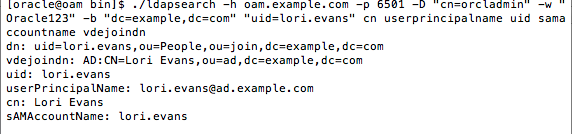
This simple how-to shows how to configure a basic OVD join adapter setup. The join adapter is used when an application requires data from 2 or more adapters appear as the same single entry. For example John's name, email and username comes from Active Directory while his phone number comes from the telephone database. It is not for the use case where data from different sources contain different entries. For example if employees are in 1 LDAP and customers in another, then the basic OVD setup should be used. Note that this setup will only show the default configuration where only data in the primary adapter can be searched. If data in the second adapter needs to be searched - this requires the ForkJoin adapter and will be covered in a different how-to.
The first step to do is go to the primary adapter and set its visibility to "Internal". This makes it only visible to the Join adapter (and plug-ins).
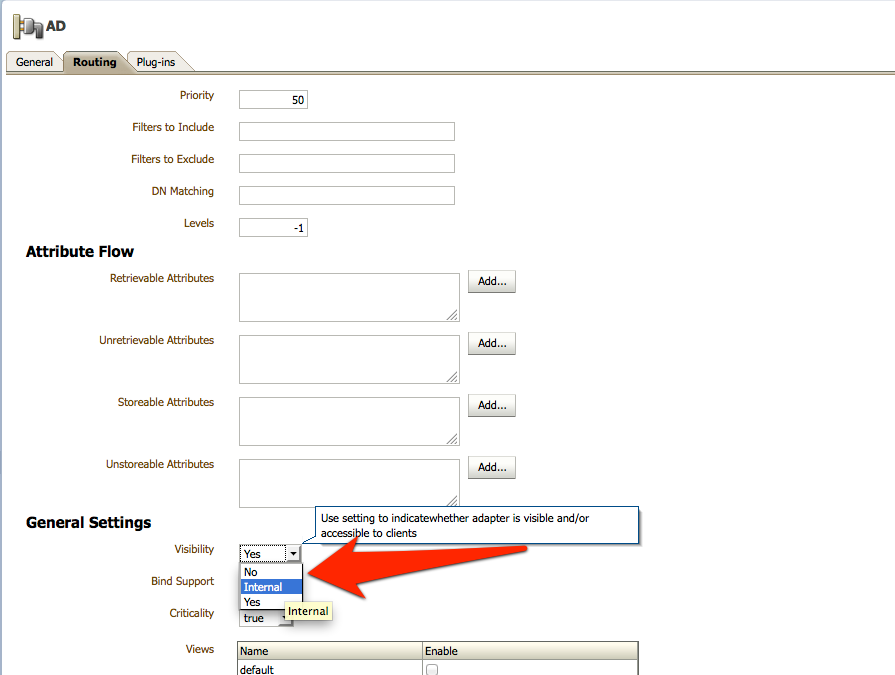
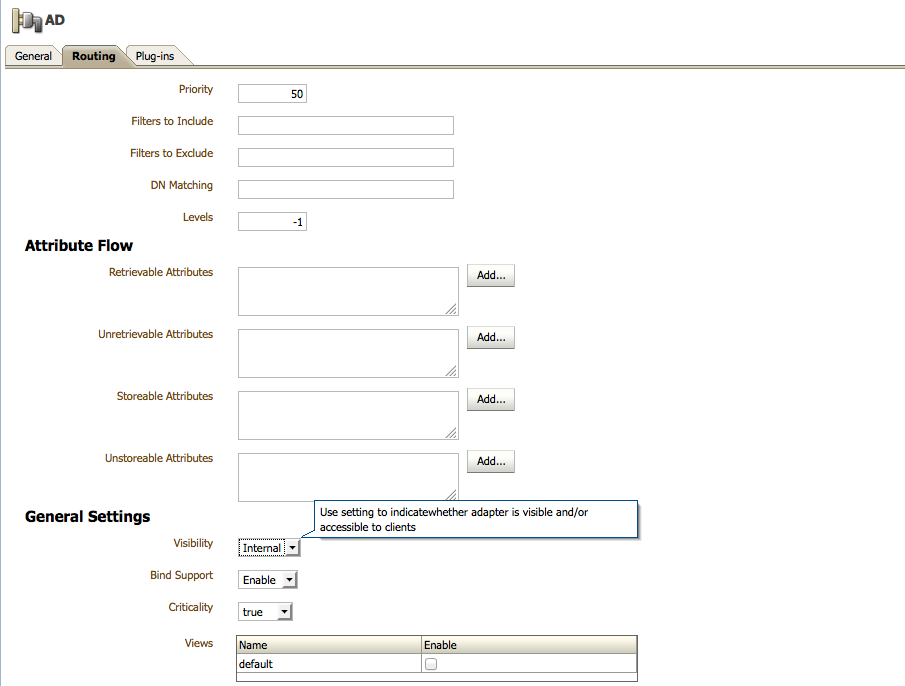
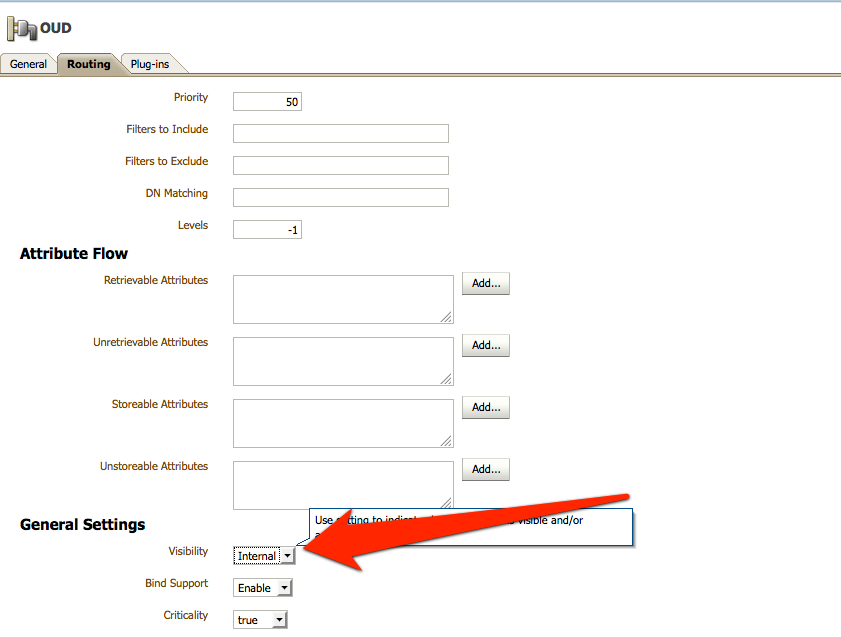
Repeat the same for the second adapter.
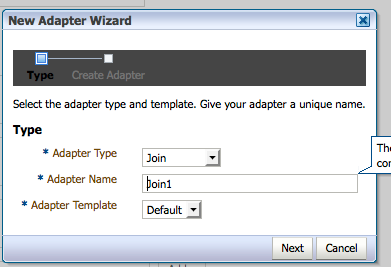
Now create the Join adapter
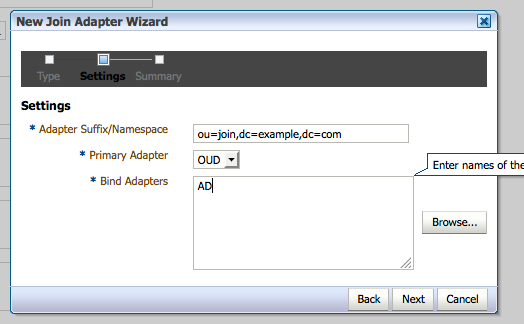
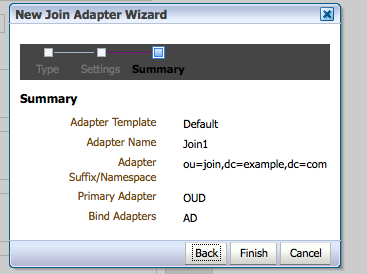
The join adapter can have the primary and bind adapters be different. For example have OUD be the data directory but use AD (Windows) passwords for authentication.
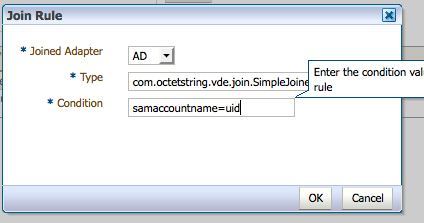
The join rules are set after you create the entry
This is the most common join rule - link 2 different adapters based on values in attributes. The attributes do not need to be the same, as long as the values are the same.
Make sure to apply the rules.

This shows a simple search. The simplest way to verify the join occured is to look for the "vdejoindn" attribute - this is a OVD proprietary virtual attribute that indicates the DN of the joined source entry. And of course you will see any attributes from the secondary source. Note - if the primary and secondary source share the same attribute and values, only a single value will be shown.